

The new Inim Fire cloud update and new version of the Inim Fire App.
- calendar_today July 31, 2025
- labelProduct release

What's changing? Find out all the changes
The new Inim Fire cloud update and a new version of the Inim Fire App designed to make your work even easier, faster, and more organized and shared with your work team. The update includes new features, increased fluidity, and an even more functional and optimized workspace tailored to your needs.

Your Personal Inim Storage
By means of this new tool it will be possible to save files associated with a specific plant. This function will make it possible to store any type of document functional to the management or maintenance of the facilities themselves (Floor plans, minutes, images and more). When saving each file, it will, in addition, be possible to specify whether the file in question is to be shared with the user profiles enlisted at the plant.

Your Inim Drive space
The new drive space, available now, allows files of a generic nature to be saved for personal use or to be shared with installer profiles that are part of the same company. It is a useful tool for storing generic files on conduct during maintenance or plant management phases (Operating Procedures and others).
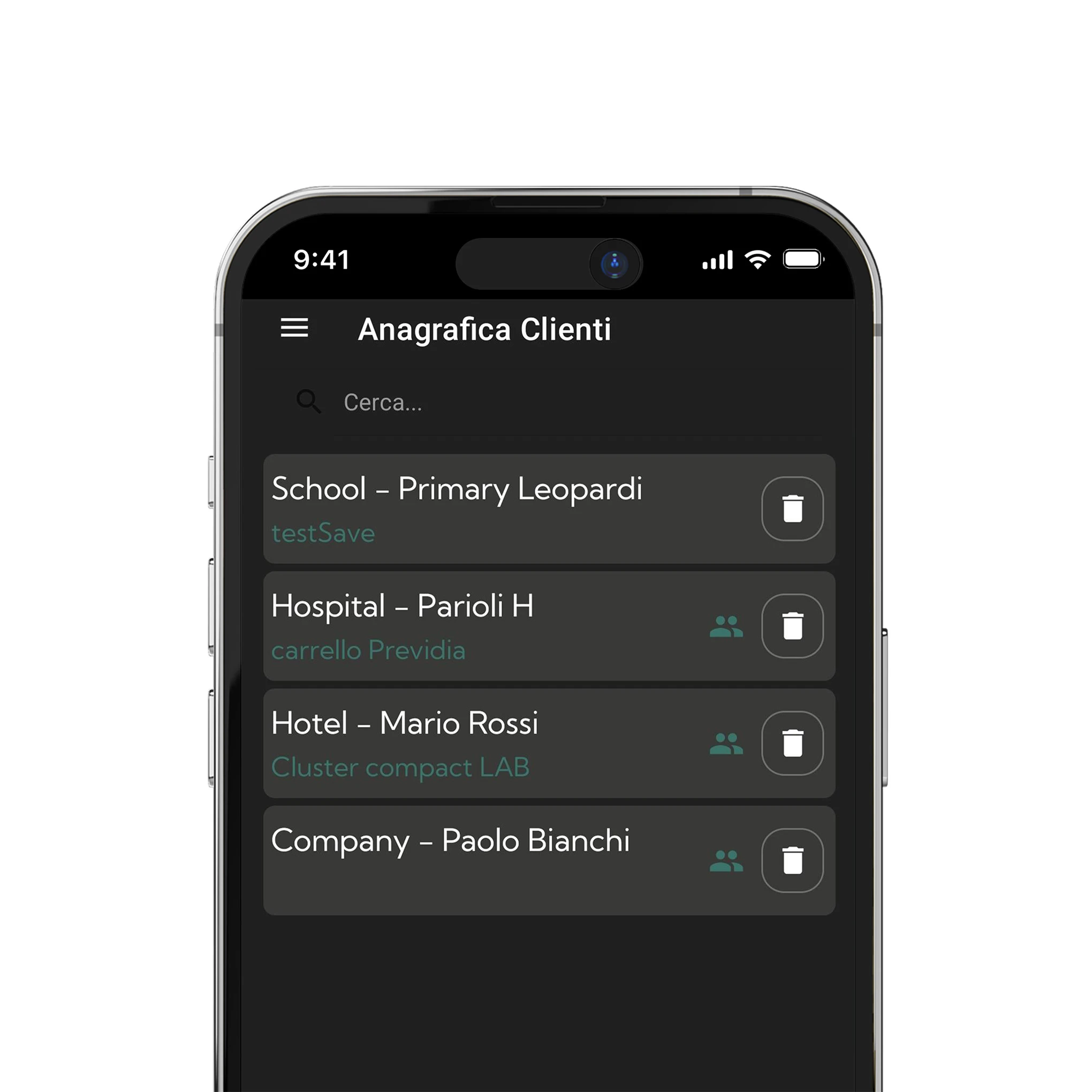
New shared master data management
Starting with this new version, customer master records, can be shared among installer profiles of the same company.

New User Invitation Function
Through the Inim Fire App, it is possible to send an invitation, to a user account, to enlist at the selected plant. In this way, the user profile can simply accept the invitation without having to take action on the plant itself.
And that's not all! The Inim Fire App also introduces a number of enhancements designed to simplify every step of your operational process:
- Graphic restyling
- Accessibility option
- Setting push notifications in App
- List of facility permissions by user for those user profiles that have partial access permissions, the list with details of operations allowed or not allowed on each specific facility is shown
Watch the video tutorial and learn in detail about all the new features available

